
Photo by Steshka Willems
Before I worked in marketing, advertisements were just the pesky pop-ups I had to avoid clicking on when scrolling my favorite apps. Now, I can’t watch TV or scroll on social media without thinking about every ad I see – what its goal is, how it targeted me, and everything else a marketer might think about an ad.
While I’ve worked in marketing for over a year now, I’ve never actually set up an ad myself. This week, that changed. I decided to set up a mock advertising campaign for Sports Reference, a company I interned for this past summer. Sports Reference is a sports data company, home to websites hosting endless data for each major sport. I’ve spent so much time on baseball-reference.com as both a fan and an intern, so I figured that was the perfect website to create this campaign for.
The baseball season is only a few weeks away (especially with Super Bowl Sunday marking the end of football and the beginning of baseball), so this campaign is aimed at generating excitement for the 2025 season by driving fans to the website to explore all the data it has to offer. Here’s the process I went through for setting up this campaign on Facebook Ad Manager:
First Steps
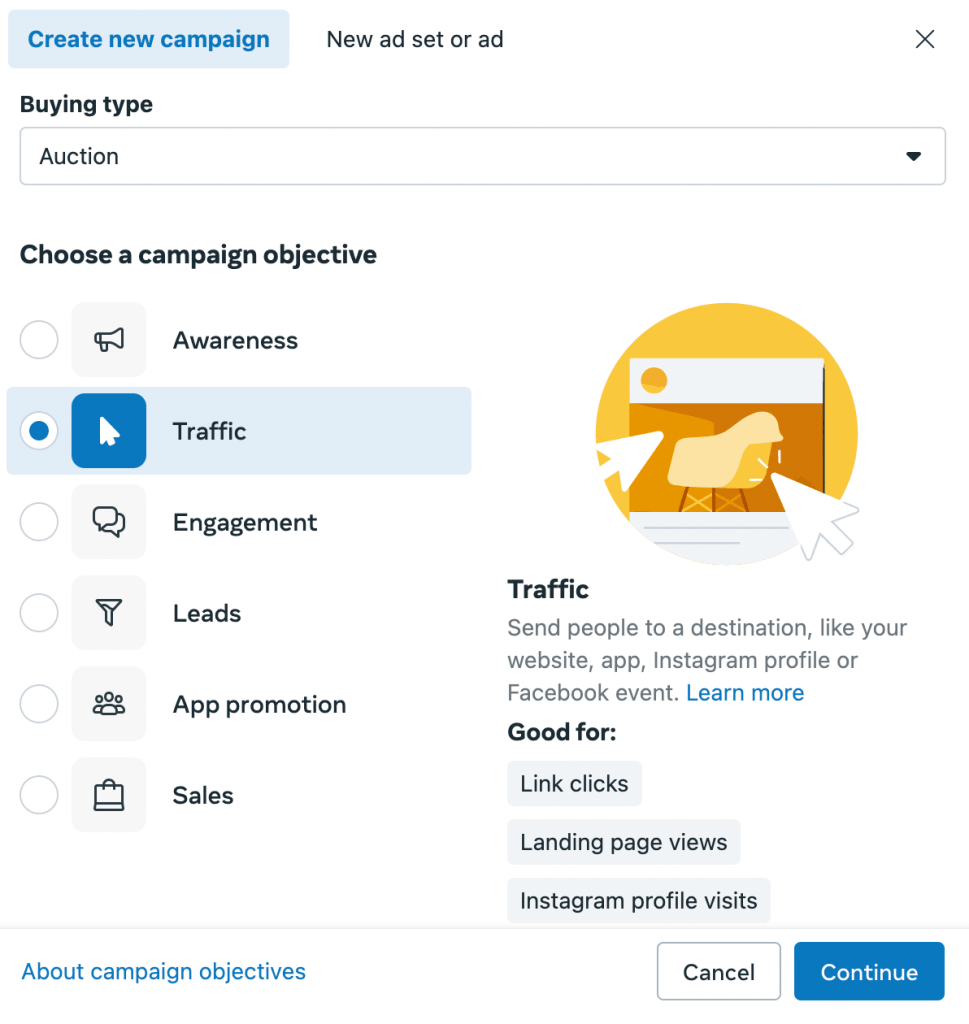
My first step is clicking “create” and choosing the type of campaign I want to run. I set the buying type to “auction” and select “traffic” as the campaign objective. These types of campaigns are best for driving link clicks and landing page views, which is my goal here.
After choosing to set up my campaign manually, I make sure to leave the “Special Ad Categories” section blank and skip over the A/B test section. A test might be a good idea for future ad campaigns, but this one is just a test to see what results we can get.

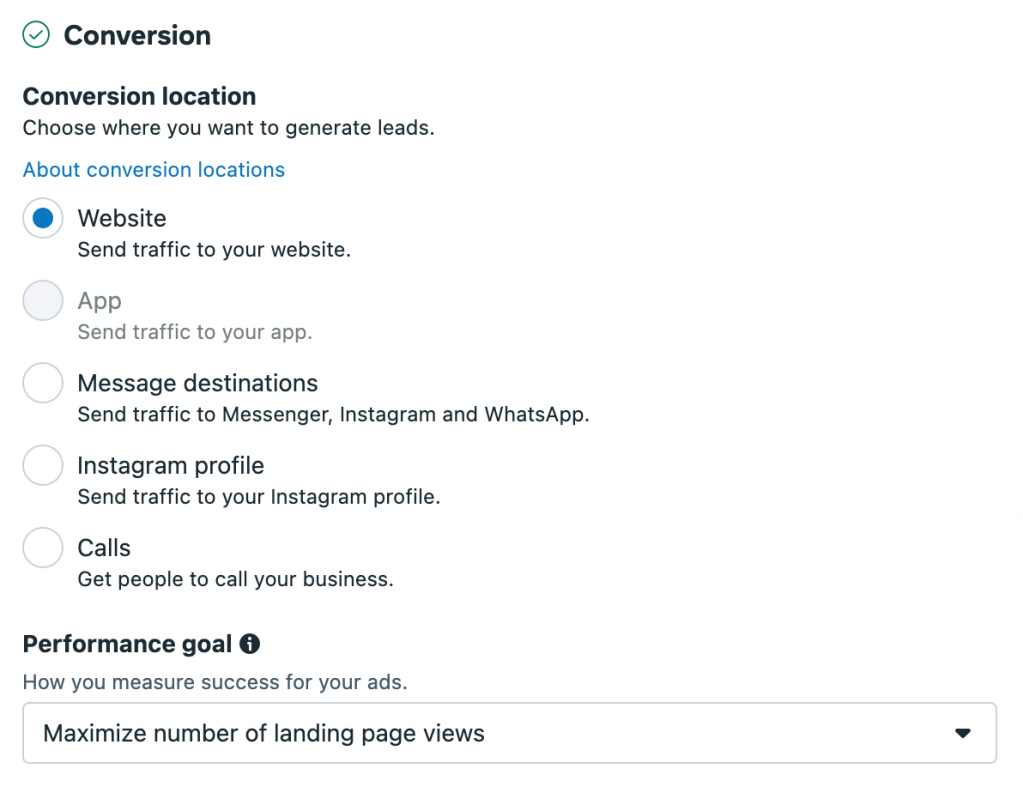
On the next page, dealing with the Ad Set, I make sure to select “website” as the conversion location. This ensures that when a user clicks on my ad, it will direct them straight to the Baseball Reference website. Additionally, I set the performance goal to maximize the number of landing page views. My goal is not for people to just click on the link and exit out of the page, but for them to actually go and use the side to see its variety of offerings.
Budgeting
Now it comes time for budgeting. According to Sachs Marketing Group, spending $5 per day on Facebook ads allows brands to “increase their online presence and understand audience responses slowly.” However, spending $20 “provides more flexibility and reach, allowing for broader targeting or more aggressive campaign strategies to increase visibility and engagement.”
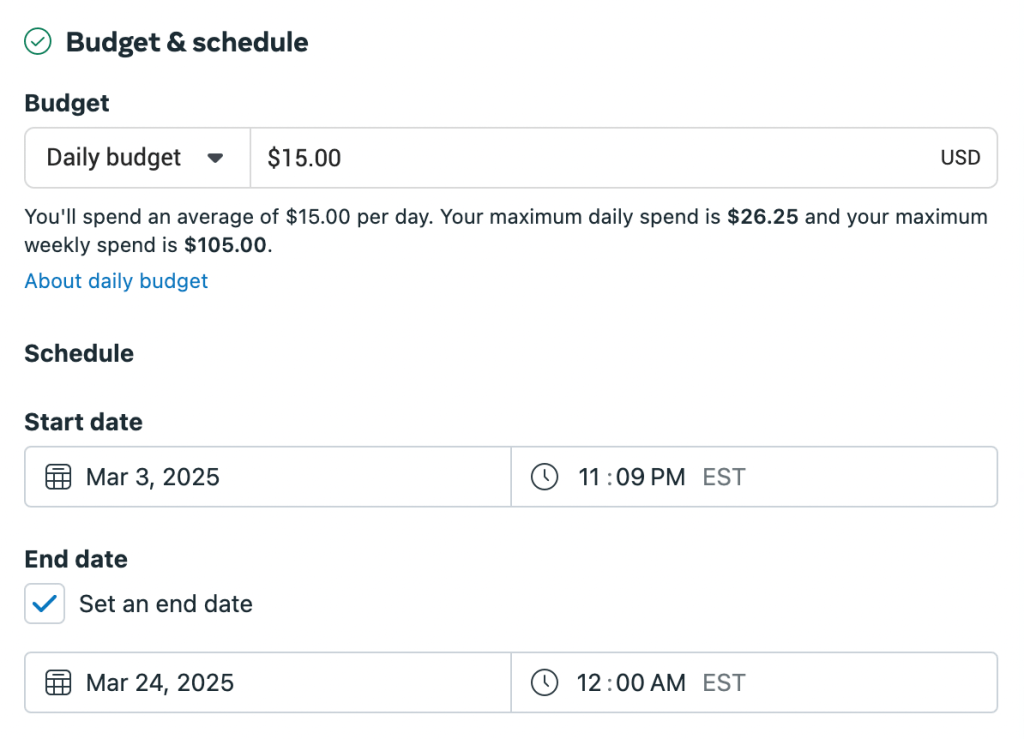
I wouldn’t consider Baseball Reference a small business because of its national reach and credibility, but since this is a new type of ad campaign I’m trying, I’ll find a happy medium and stick to $15 per day.
The campaign will run from March 3rd to March 24th, the 3 weeks leading up to the Major League Baseball season. By choosing these dates, I hope to build excitement among baseball fans looking to dive into stats before a new season begins.
Targeting
Targeting has a huge impact on the success of social media campaigns. According to Semrush, paid social media allows brands to target potential customers interested in their products/services and increase awareness, leads, and sales.
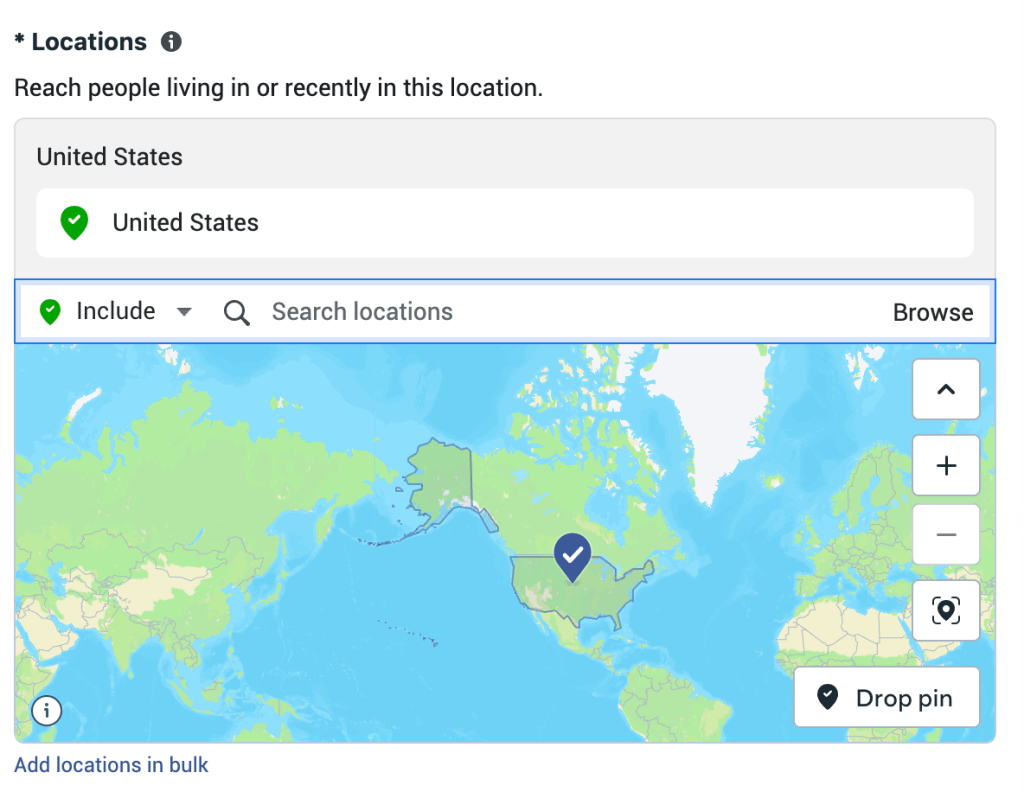
I keep the location settings broad, making the ad visible to people all over the United States. If I find the campaign is unsuccessful, I can try ads directed at specific cities/fanbases, but right now the goal is to generate national excitement around baseball and bring fans from all over the country to the BR website.
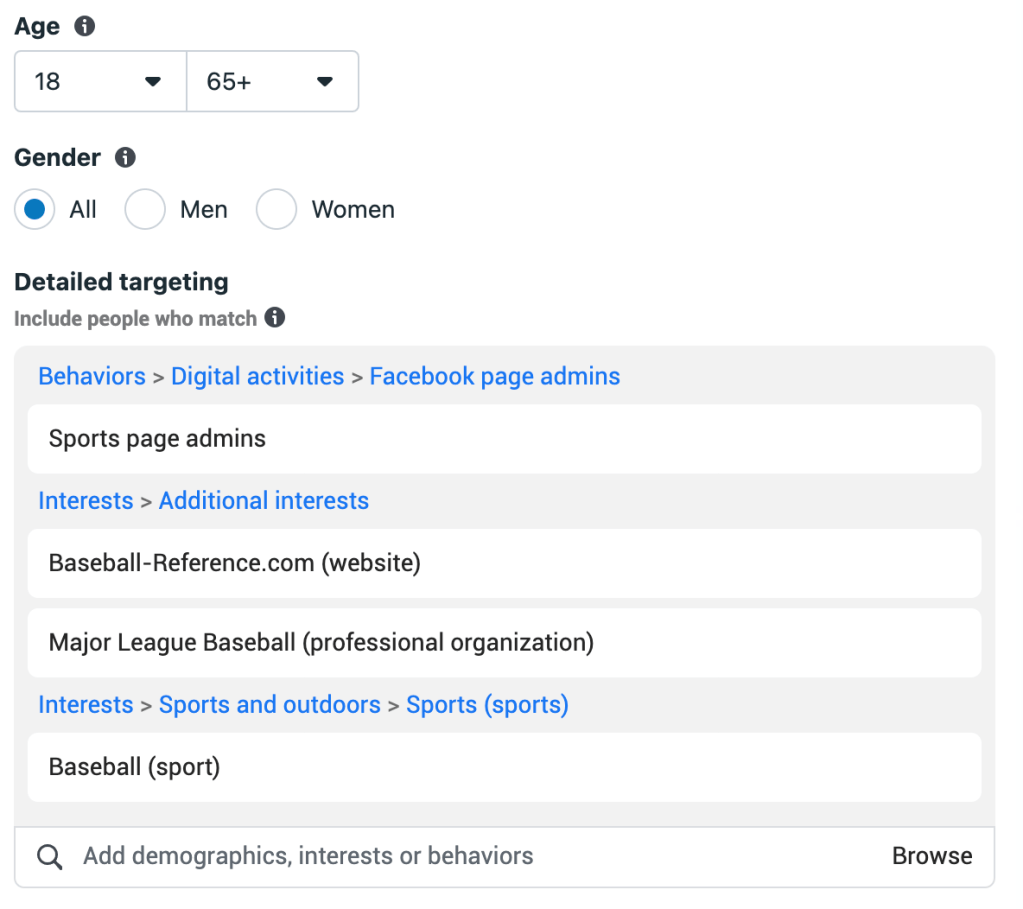
Baseball fans come in all ages, so I decide to keep the age range broad at 18-65+. From working at Sports Reference over the summer, I have found that even the youngest and oldest passionate baseball fans know how to navigate this site. I also keep the gender as “all” because anyone can be a baseball fan, and this ad shouldn’t exclude anyone.
Now for detailed targeting – I select the groups of people who would be most likely to interact with my ad. I obviously select “baseball” as an interest, then include MLB, baseball-reference.com (the website I’m advertising) and “sports page admins” because they would be likely to recommend the site to their communities.
Setting these targets keeps my audience broad enough to drive a good amount of traffic each day while making sure the right people are seeing the ad.
Creative
While I didn’t design creative for the sake of this test ad, it would include a catchy slogan and imagery from the site to encourage people to use BR to get ready for the season.
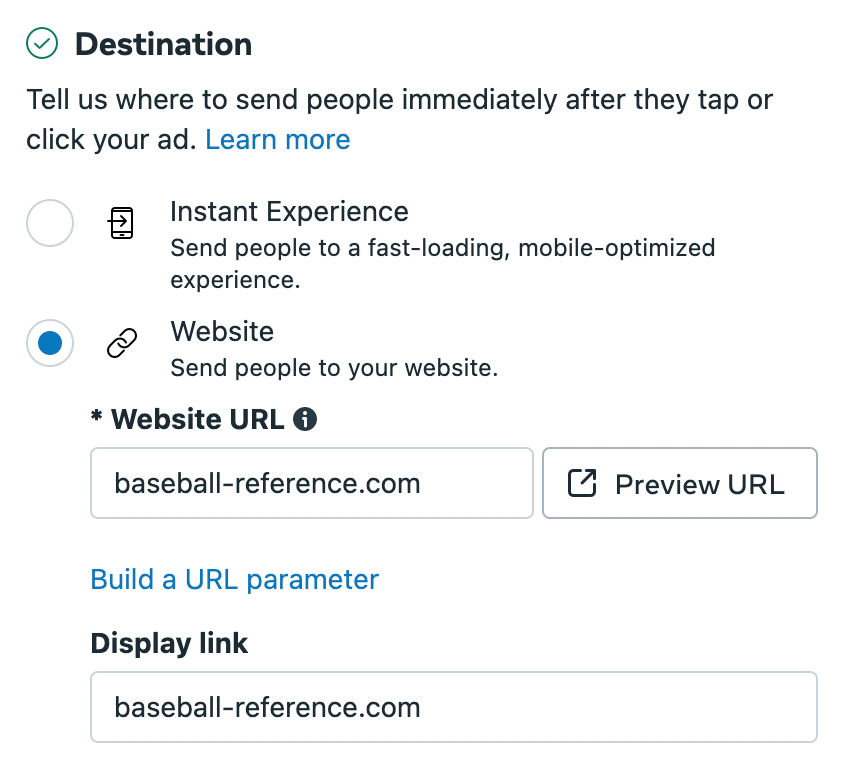
I make sure to set the destination to “website” and include the baseball-reference.com link. This way, when people interact with my ad, they will be taken directly to the BR website and be able to explore all its capabilities in an instant.
Metrics for success
The main metric to track the success of this campaign is conversion rate. The action I want people to take from this ad is visiting the Baseball Reference website, so the conversion rate will tell me how many people took this desired action in relation to how many people saw the ad in the first place.
 Lindsey Komson
Leave a comment